
Instead of fix-it tools, Windows 10 uses troubleshooters to help you solve problems with your PC. To run a troubleshooter:
-
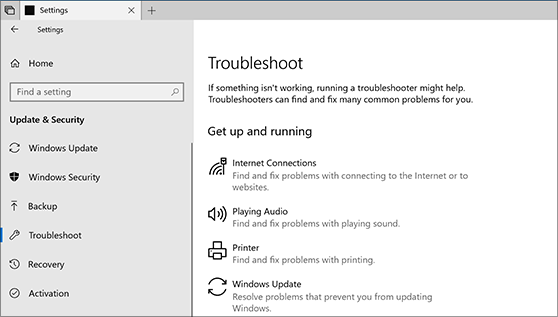
Select Start >Settings >Update & Security >Troubleshoot, or select theFind troubleshooters shortcut at the end of this topic.
-
Select the type of troubleshooting you want to do, then select Run the troubleshooter.
-
Allow the troubleshooter to run and then answer any questions on the screen. If you see a message that no changes or updates were necessary, you can try recovery options.
Comments
0 comments
Please sign in to leave a comment.